
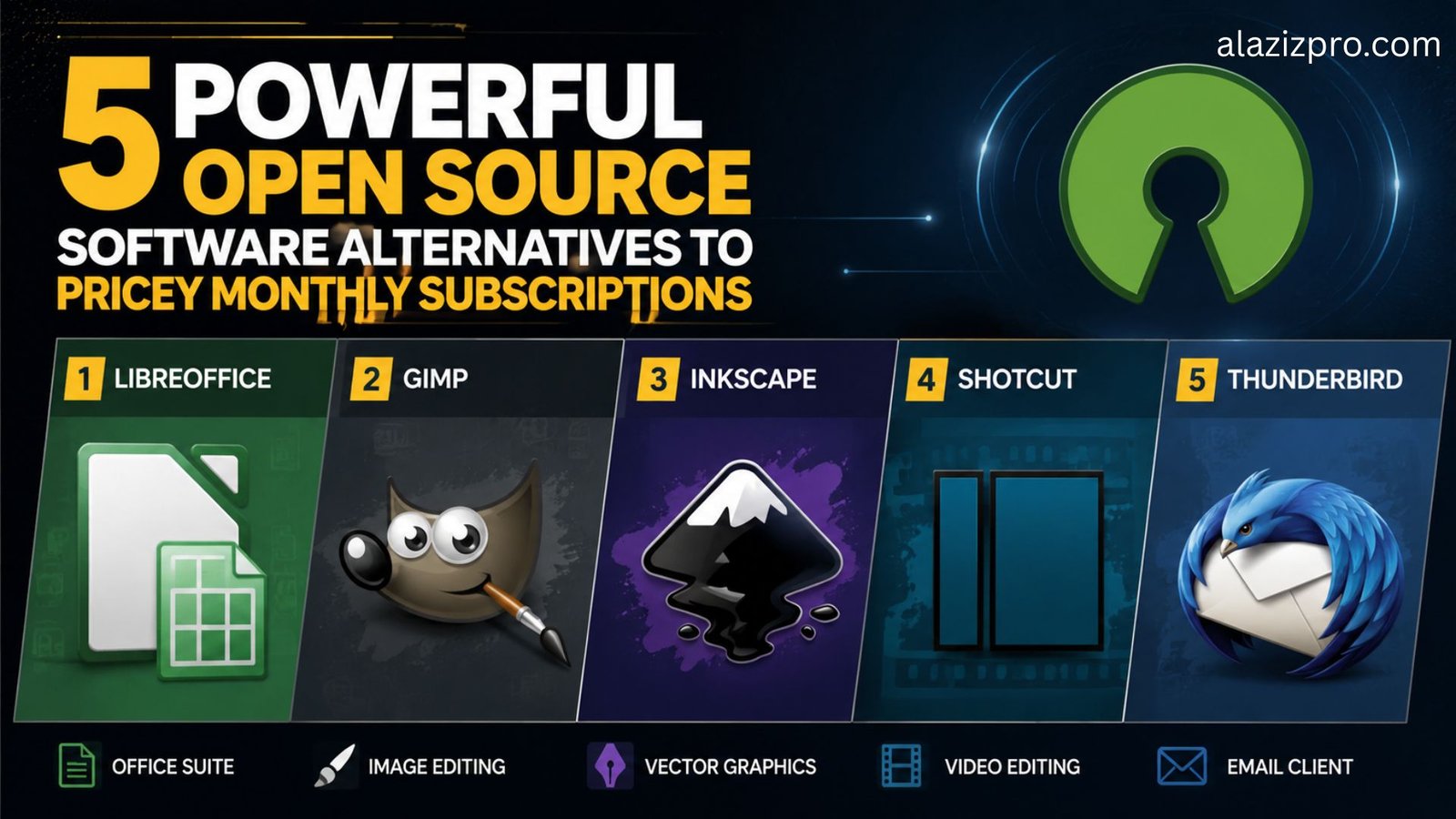
open source software alternatives subscription savings
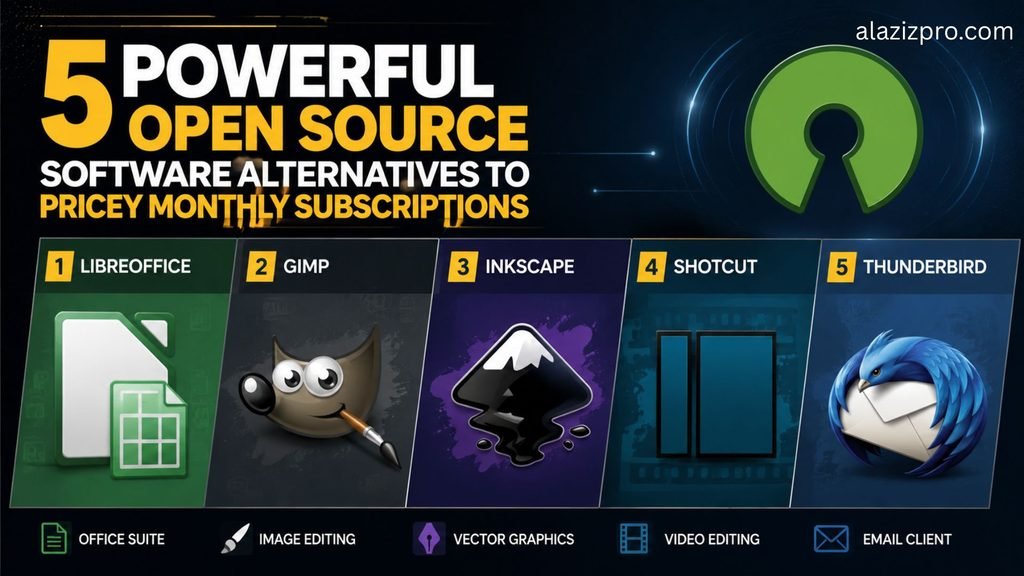
Monthly software subscriptions have quietly become one of the largest recurring expenses for freelancers, small business owners, and digital creators. Software-as-a-Service platforms charge continuous usage fees, which quickly stack up to hundreds or thousands of dollars every year. Many users pay for premium suites while only using a fraction of their core features.
Open source software provides a practical solution to subscription fatigue. Built and maintained by global developer communities, open source tools are free to use, run locally on your device, and give you complete control over your data without lock-in contracts or surprise price hikes.
1. LibreOffice: Complete Office Suite Without Monthly Cloud Fees
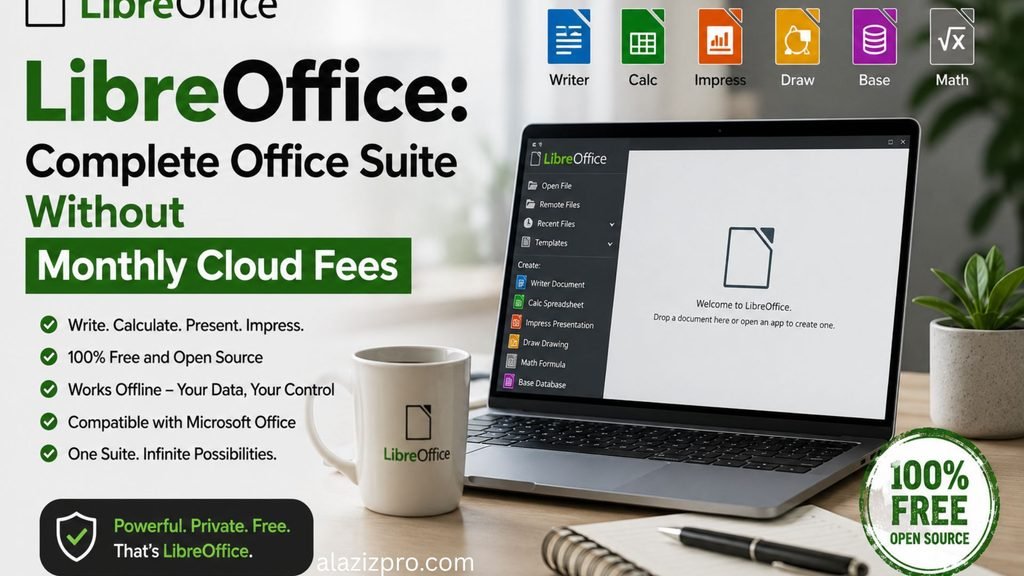
Microsoft 365 requires an ongoing annual or monthly commitment just to create text documents, manage basic spreadsheets, or prepare client presentations. For most small offices and independent workers, paying indefinitely for basic document editing is unnecessary.
LibreOffice is a full-featured office suite that includes Writer for word processing, Calc for spreadsheets, and Impress for presentations. It reads and saves natively in standard Microsoft formats like .docx, .xlsx, and .pptx, ensuring seamless file sharing with clients who still use commercial software.
- Best For: Daily administrative paperwork, offline budget tracking, and standard business documentation.
- Core Advantage: Runs entirely on your local machine, operating without forced internet connections, telemetry tracking, or cloud backup charges.
2. GIMP: Advanced Image Manipulation and Raster Editing
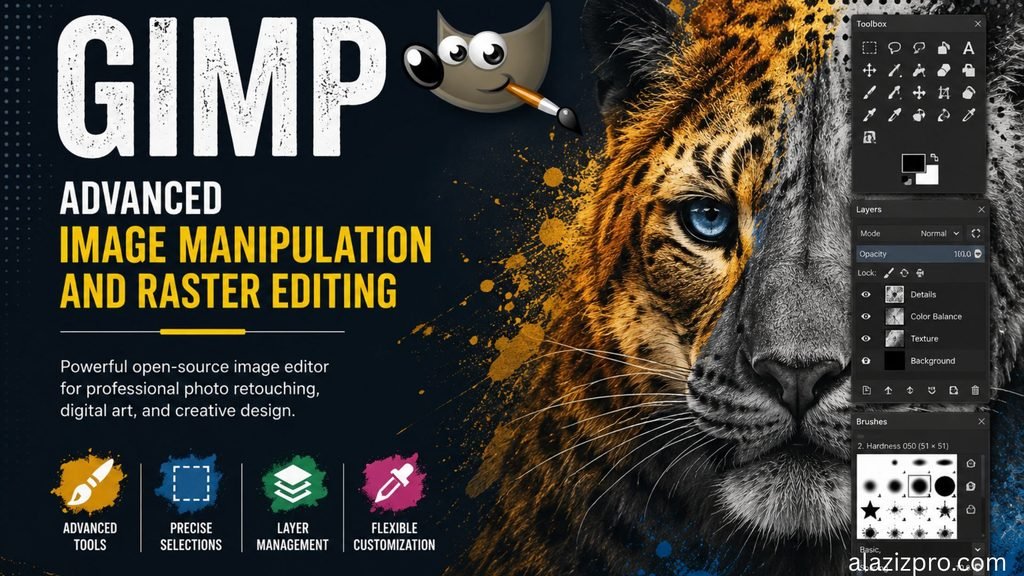
Adobe Photoshop remains the industry standard for professional photo retouching, but its recurring Creative Cloud subscription model makes it an expensive luxury for casual users, bloggers, and small store owners who only need basic image editing.
The GNU Image Manipulation Program, commonly known as GIMP, offers an extensive toolset for raster graphics editing. It supports multi-layer designs, advanced channel selection, custom brush engines, color adjustment curves, and third-party plugins.
- Best For: Photo retouching, website visual assets, product photo cleaning, and banner design.
- Core Advantage: Completely eliminates monthly graphic design tool fees while giving you access to professional-grade layer composition.
3. Inkscape: Scalable Vector Design for Branding and Print

Vector graphic software is essential for designing logos, brand icons, and print media that need to scale crisp and clear without pixelation. Adobe Illustrator handles this market, but it locks your source files behind their subscription ecosystem.
Inkscape is an open source vector graphics editor that relies natively on the standard SVG format. It features comprehensive path manipulation tools, node editing, SVG typography controls, and powerful object grouping options.
- Best For: Logo creation, vector illustration, print layouts, and digital icon sets.
- Core Advantage: Your vector assets remain in open-standard file formats, meaning you never lose access to your raw designs if you stop paying a monthly fee.
4. Shotcut: Clean Multi-Track Video Editing
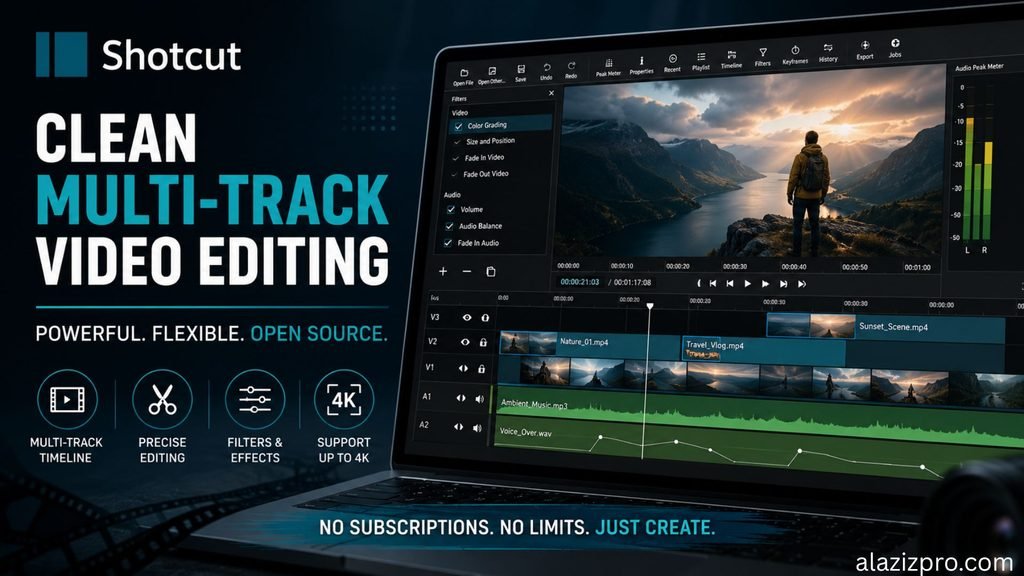
Video content is essential for modern web marketing, but professional video editing software often demands expensive monthly subscriptions along with heavy system hardware requirements.
Shotcut is an open source video editor that handles multi-track video and audio timelines effortlessly. It supports native four-K resolution editing, hardware acceleration, custom transitions, color grading filters, and comprehensive audio mixing controls.
- Best For: Editing YouTube videos, client promotional clips, online course lessons, and social media reels.
- Core Advantage: Features no export watermarks, no artificial file length limits, and zero paywalls for advanced export codecs.
5. Thunderbird: Secure Centralized Email and Calendar Workspace
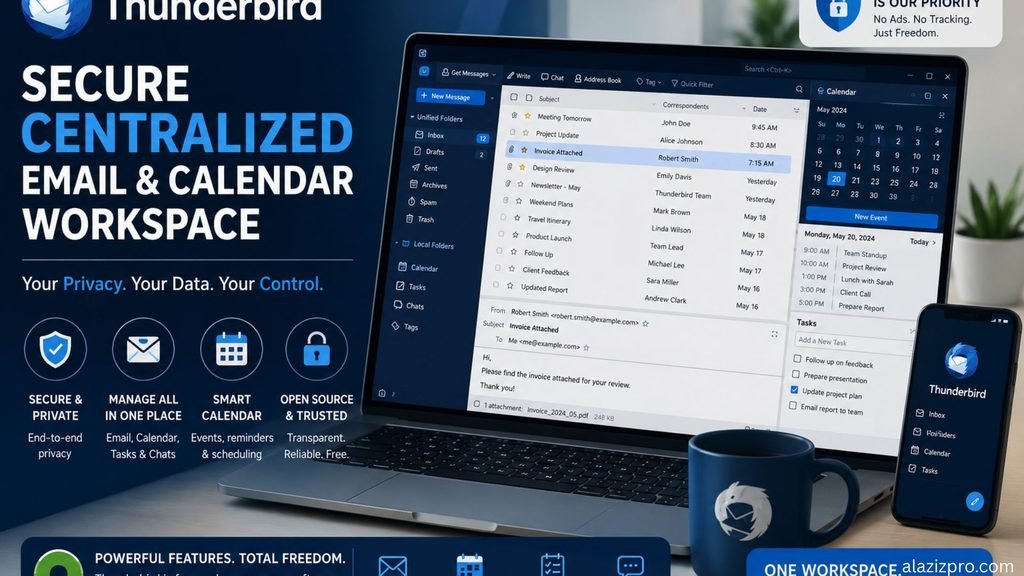
Managing multiple custom domain email accounts, personal inboxes, and client scheduling calendars through browser tabs can easily slow down your daily workflow.
Mozilla Thunderbird consolidates all your email addresses, contact books, and calendar schedules into a single desktop dashboard. It offers unified inboxes, end-to-end encryption features, automated message filters, and full calendar integration.
- Best For: Managing multiple professional domain emails from one central desktop interface.
- Core Advantage: Provides full privacy control over your local email archives without displaying targeted inbox advertisements or harvesting usage analytics.
Final Recommendation
Replacing expensive proprietary tools with open source alternatives does not mean sacrificing quality or efficiency. By switching to community-backed, locally hosted software, you can significantly reduce your monthly operating costs, safeguard your personal data, and maintain absolute ownership over your creative work.