
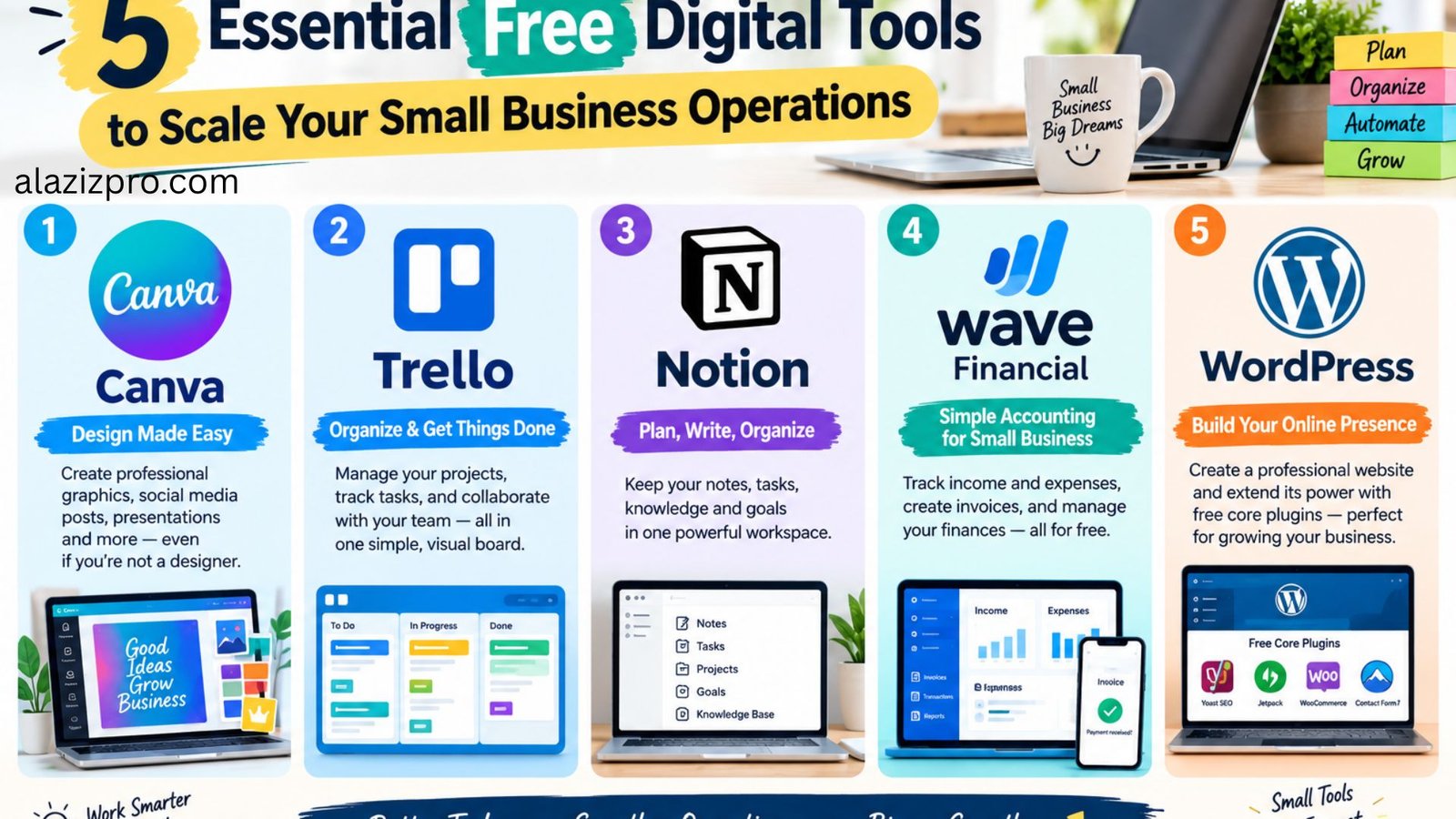
best free digital tools for small businesses
Managing a growing small business requires balancing tight budgets with daily operational efficiency. Software subscriptions for project management, graphic design, and customer communication can quickly consume your monthly cash flow. Many small business owners make the mistake of paying for expensive enterprise software suites long before they actually need advanced features.
Fortunately, powerful free alternatives exist that handle complex workflows smoothly. Utilizing high-quality free digital software allows you to professionalize your daily operations, keep overhead low, and protect your profit margins while scaling your brand.
1. Canva: Professional Visual Design Without Complex Software
Creating clean visual assets for marketing campaigns, social media channels, and client presentations is essential for establishing brand credibility. Traditional design software often requires a steep learning curve and continuous subscription fees that small teams cannot justify.
Canva provides a complete web-based visual editor loaded with thousands of customizable templates. You can design brand logos, custom invoices, promotional banners, and social media graphics through a simple drag-and-drop interface.
- Best Feature: Massive library of pre-formatted templates suitable for print and digital publishing.
- Cost Efficiency: The free tier includes extensive storage, thousands of graphics, and standard export options that cover most daily business design needs.
2. Trello: Visual Task Management and Project Tracking
Keeping daily tasks organized across small teams or independent client projects requires clear visual coordination. Relying on messy email chains or unorganized notebooks leads to missed deadlines and poor project tracking.
Trello uses a clean Kanban board system that breaks projects down into visual cards, lists, and columns. You can assign due dates, create task checklists, attach reference files, and move project cards across different completion stages seamlessly.
- Best Feature: Intuitive drag-and-drop workflow layout that visualizes project progress instantly.
- Cost Efficiency: The free forever plan allows unlimited task cards and up to ten collaborative team boards, making it ideal for early-stage operations.
3. Notion: Centralized Workspace for Knowledge and Operations
Maintaining business documentation, meeting notes, client records, and Standard Operating Procedures (SOPs) in separate files often results in disorganization. Having a unified knowledge base ensures your team accesses accurate information quickly.
Notion operates as a customizable all-in-one workspace that combines document writing, database management, and internal wiki storage. You can build internal document hubs, manage content production calendars, and organize client notes inside one clean web application.
Many entrepreneurs launching low-cost micro-SaaS business models rely on Notion to build clear internal documentation and customer knowledge bases without hiring expensive web developers.
- Best Feature: Highly flexible block system that lets you build custom database layouts for any operational task.
- Cost Efficiency: The free individual plan provides unlimited pages and blocks, which offers ample capacity for small business owners.
4. Wave Financial: Simple Invoicing and Expense Management
Tracking client invoices, monitoring business expenses, and preparing clear financial reports are critical for keeping your business healthy. Paying monthly fees for basic accounting software adds unnecessary expense when your transaction volume is still manageable.
Wave Financial offers full bookkeeping and invoicing tools tailored specifically for freelancers, sole proprietors, and small business operators. You can generate custom PDF invoices, set up automated payment reminders, and track income streams directly from a single dashboard.
- Best Feature: Unlimited professional invoicing and recurring bill creation with no monthly software charges.
- Cost Efficiency: Accounting and invoicing features are entirely free, with simple pay-as-you-go processing fees applied only if clients choose to pay online via card.
5. WordPress with Free Core Plugins: Complete Website Management
A professional website remains your primary digital storefront. Building a site on closed commercial website builders locks your content behind monthly subscriptions and limits your technical flexibility as your business grows.
An open source WordPress setup gives you complete ownership over your website data, search engine optimization strategy, and design layouts. You can expand your website capabilities using trusted plugins available through the official WordPress documentation platform without purchasing paid licenses.
- Best Feature: Complete data ownership, full SEO optimization control, and thousands of free themes.
- Cost Efficiency: The WordPress core software is open source and completely free, requiring only basic web hosting to go live.
Final Recommendation
Building an efficient small business operation does not require a large technology budget. By integrating reliable free tools into your daily workflow, you can optimize project management, maintain clear financial records, and present a professional brand image while keeping your overhead expenses close to zero.