
refurbished laptop buying guide red flags
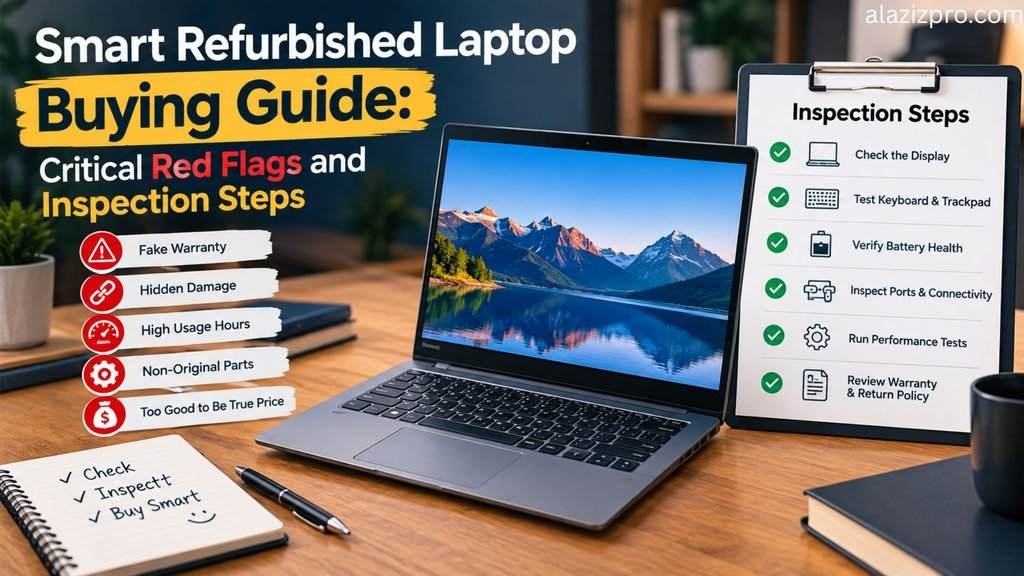
Buying a refurbished laptop is one of the smartest ways to get a powerful computer while saving hundreds of dollars compared to brand new retail prices. Corporate lease returns and certified open-box units often deliver top-tier performance at a fraction of the original cost. However, the pre-owned market also carries risks, including hidden hardware flaws, degraded batteries, and weak warranty coverage.
Knowing how to evaluate a refurbished device separates a high-value purchase from a costly mistake. By following a clear inspection routine and identifying common red flags, you can buy pre-owned technology with complete confidence.
1. Understand Seller Grading Terminology
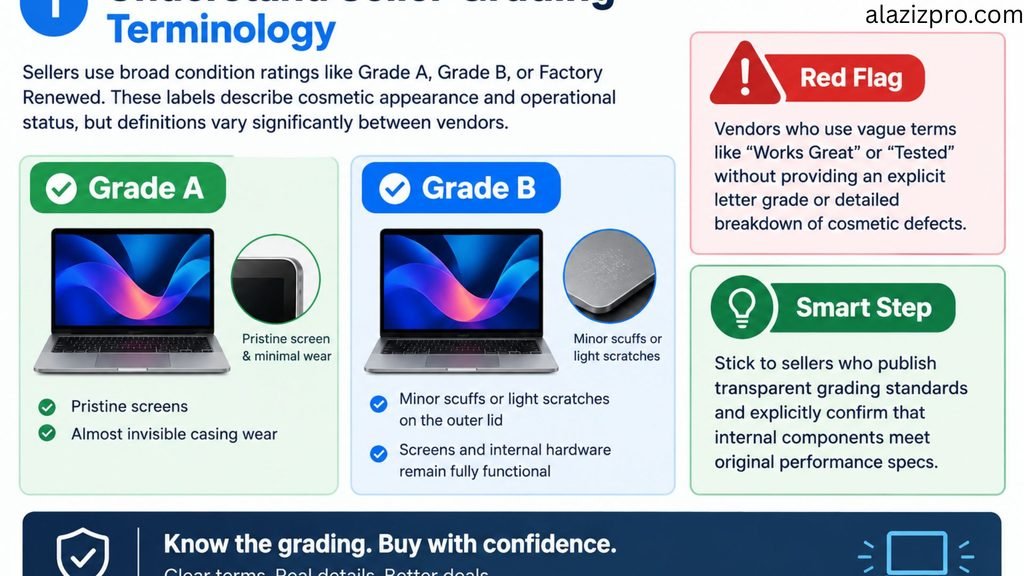
Sellers use broad condition ratings like Grade A, Grade B, or Factory Renewed. These labels describe cosmetic appearance and operational status, but definitions vary significantly between vendors.
Grade A devices typically feature pristine screens with almost invisible casing wear. Grade B units usually have minor scuffs or light scratches on the outer lid, but their screens and internal hardware remain fully functional.
- Red Flag: Vendors who use vague terms like “Works Great” or “Tested” without providing an explicit letter grade or detailed breakdown of cosmetic defects.
- Smart Step: Stick to sellers who publish transparent grading standards and explicitly confirm that internal components meet original performance specs.
2. Verify Battery Health and Charge Cycle Count
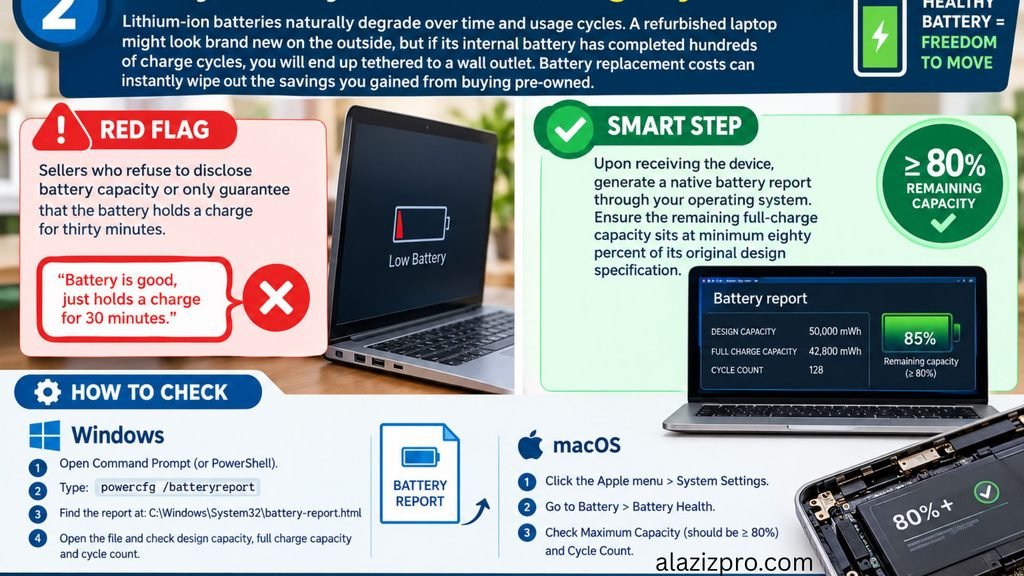
Lithium-ion batteries naturally degrade over time and usage cycles. A refurbished laptop might look brand new on the outside, but if its internal battery has completed hundreds of charge cycles, you will end up tethered to a wall outlet.
Battery replacement costs can instantly wipe out the savings you gained from buying pre-owned.
- Red Flag: Sellers who refuse to disclose battery capacity or only guarantee that the battery holds a charge for thirty minutes.
- Smart Step: Upon receiving the device, generate a native battery report through your operating system. Ensure the remaining full-charge capacity sits at minimum eighty percent of its original design specification.
3. Inspect Screen Panels and Hinge Stability
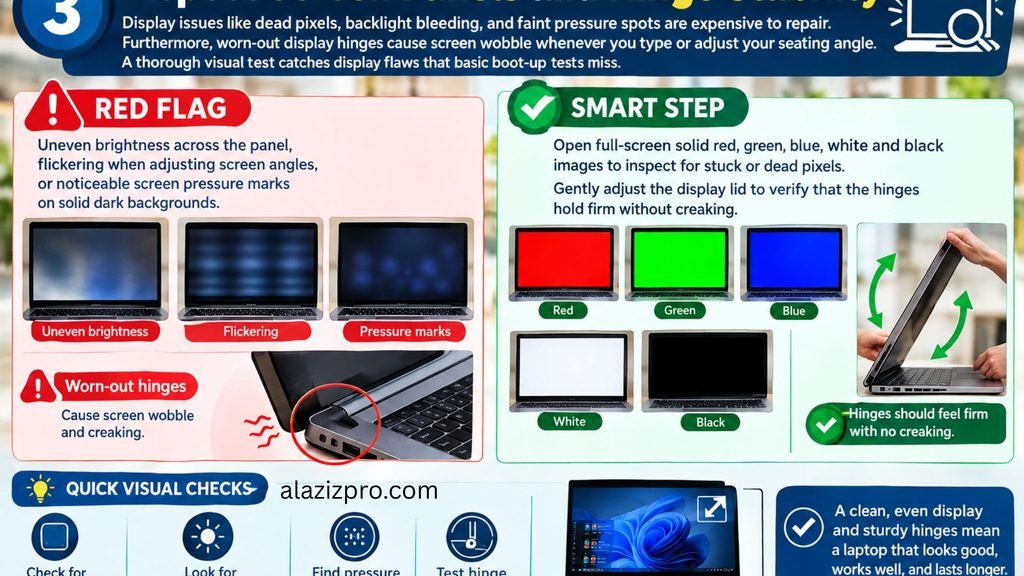
Display issues like dead pixels, backlight bleeding, and faint pressure spots are expensive to repair. Furthermore, worn-out display hinges cause screen wobble whenever you type or adjust your seating angle.
A thorough visual test catches display flaws that basic boot-up tests miss.
- Red Flag: Uneven brightness across the panel, flickering when adjusting screen angles, or noticeable screen pressure marks on solid dark backgrounds.
- Smart Step: Open full-screen solid red, green, blue, white, and black images to inspect for stuck or dead pixels. Gently adjust the display lid to verify that the hinges hold firm without creaking.
4. Audit Keyboards, Trackpads, and Physical Ports
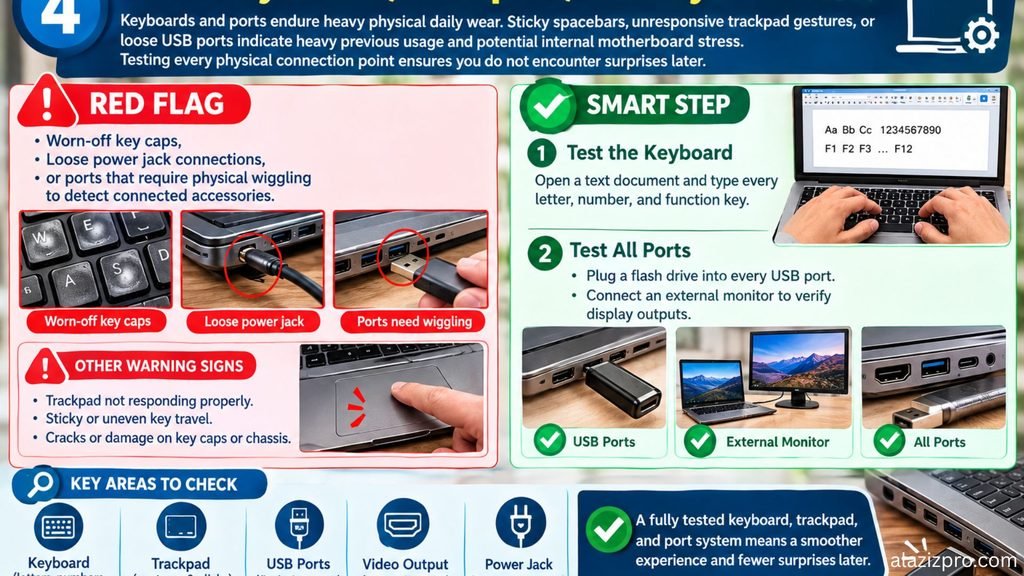
Keyboards and ports endure heavy physical daily wear. Sticky spacebars, unresponsive trackpad gestures, or loose USB ports indicate heavy previous usage and potential internal motherboard stress.
Testing every physical connection point ensures you do not encounter surprises later.
- Red Flag: Worn-off key caps, loose power jack connections, or ports that require physical wiggling to detect connected accessories.
- Smart Step: Open a basic text document and type every letter, number, and function key. Plug a flash drive into every USB port and connect an external monitor to verify display outputs.
5. Review Warranty Terms and Return Window Rules
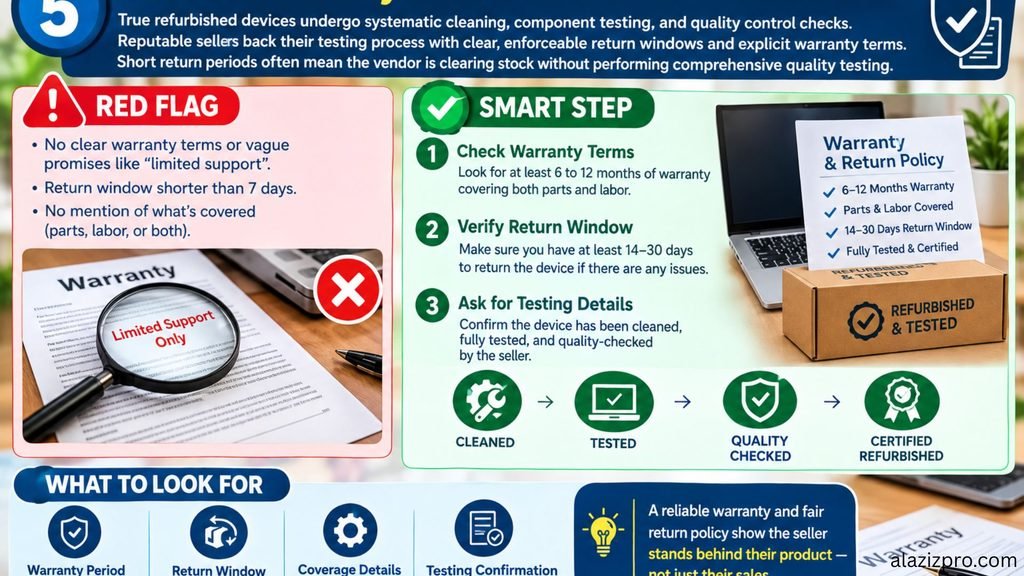
True refurbished devices undergo systematic cleaning, component testing, and quality control checks. Reputable sellers back their testing process with clear, enforceable return windows and explicit warranty terms.
Short return periods often mean the vendor is clearing stock without performing comprehensive quality testing.
- Red Flag: A return policy shorter than fourteen days, restocking fees over fifteen percent, or warranties that exclude major internal parts like the motherboard.
- Smart Step: Choose platforms offering at least a ninety-day warranty alongside a hassle-free return window that allows adequate time to test the device thoroughly.
Final Summary
Purchasing a refurbished laptop does not have to be a gamble. By focusing on battery wear, screen quality, physical port health, and clear warranty terms, you can secure a reliable machine that serves your daily work needs for years without overspending.